
Merchant dashboard UI design + prototype
Designed Stronghold’s merchant dashboard from high-fidelity Figma designs through to a fully interactive Webflow prototype, bringing responsive layouts, interactions, animations, and user flows to life.
Tools used




After establishing Stronghold’s refreshed brand system across its marketing ecosystem, I extended that visual language into the product experience to create greater consistency across every digital touchpoint.
The challenge
Stronghold’s refreshed brand had not yet been fully carried into the product experience. The Merchant Dashboard needed a more cohesive visual system, clearer UI patterns, and a stronger responsive experience across desktop and mobile.
The engineering team also needed more than static mockups to understand how complex interactions, states, and responsive behavior should work in the rebuilt front end.
The solution
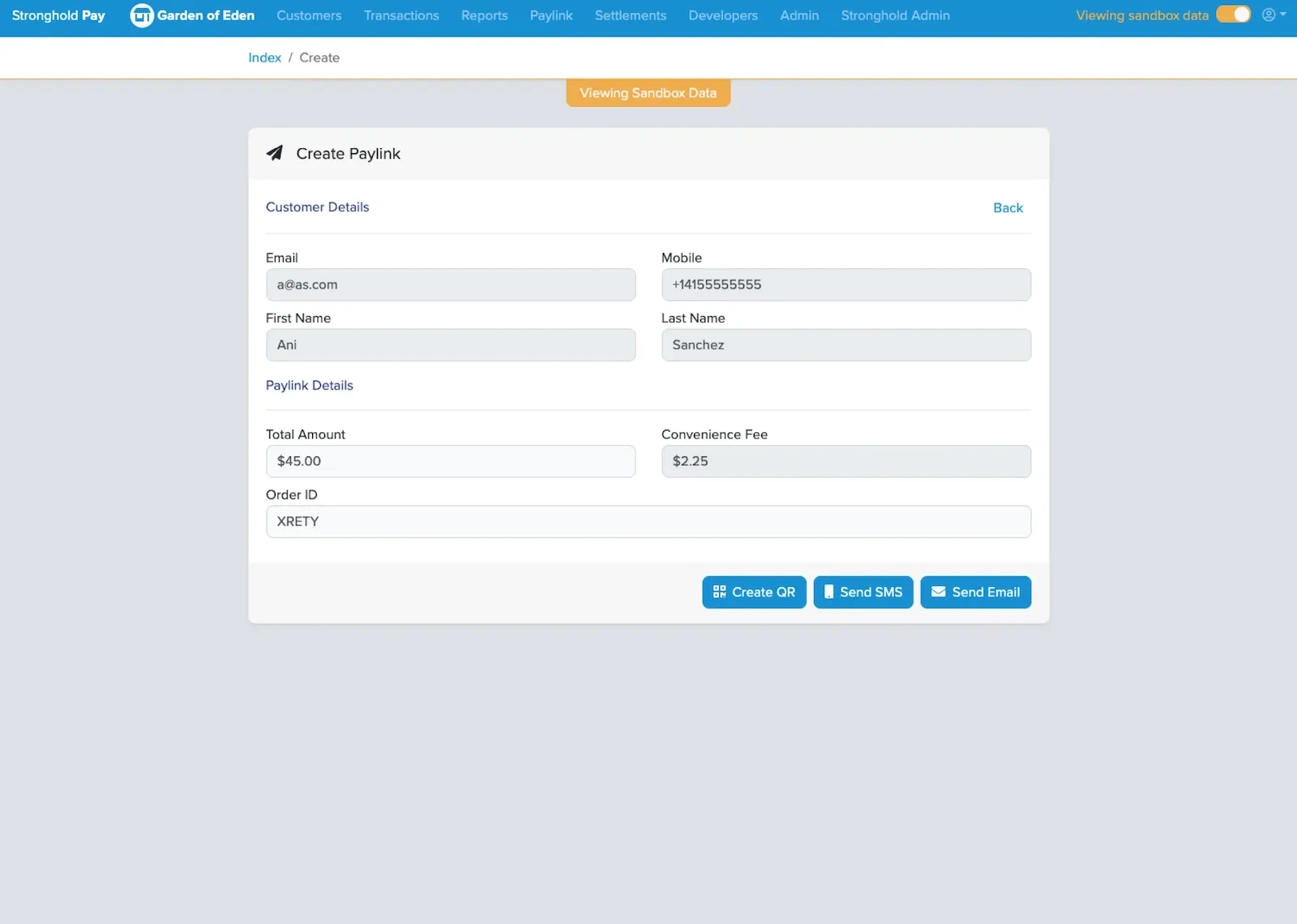
I began with a full audit of the existing Merchant Dashboard, identifying opportunities to improve usability, consistency, and key UI patterns. I also led stakeholder conversations with the CEO, Operations Manager, VP of Revenue, and Engineering Director to better understand merchant pain points, upcoming product needs, and broader business goals.
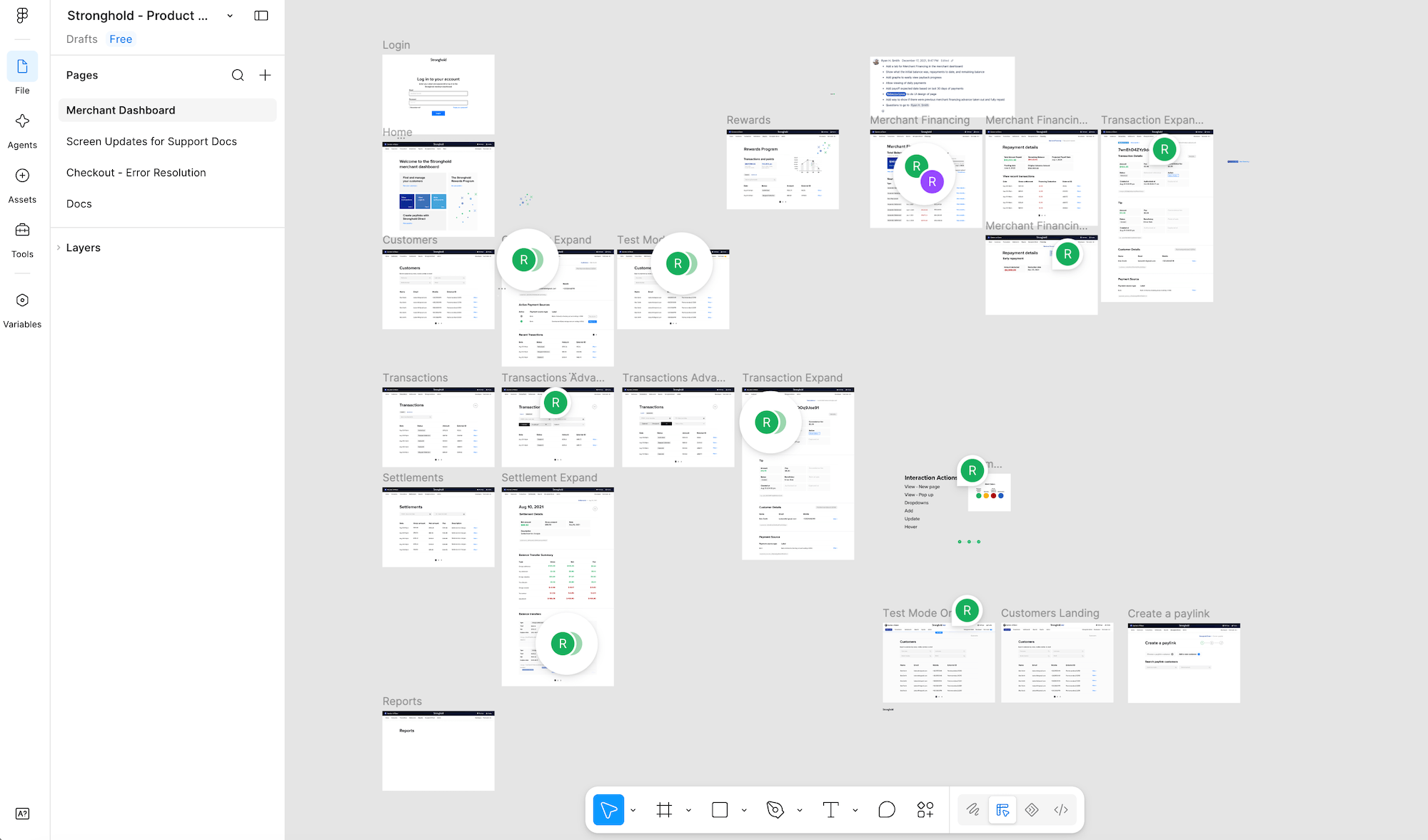
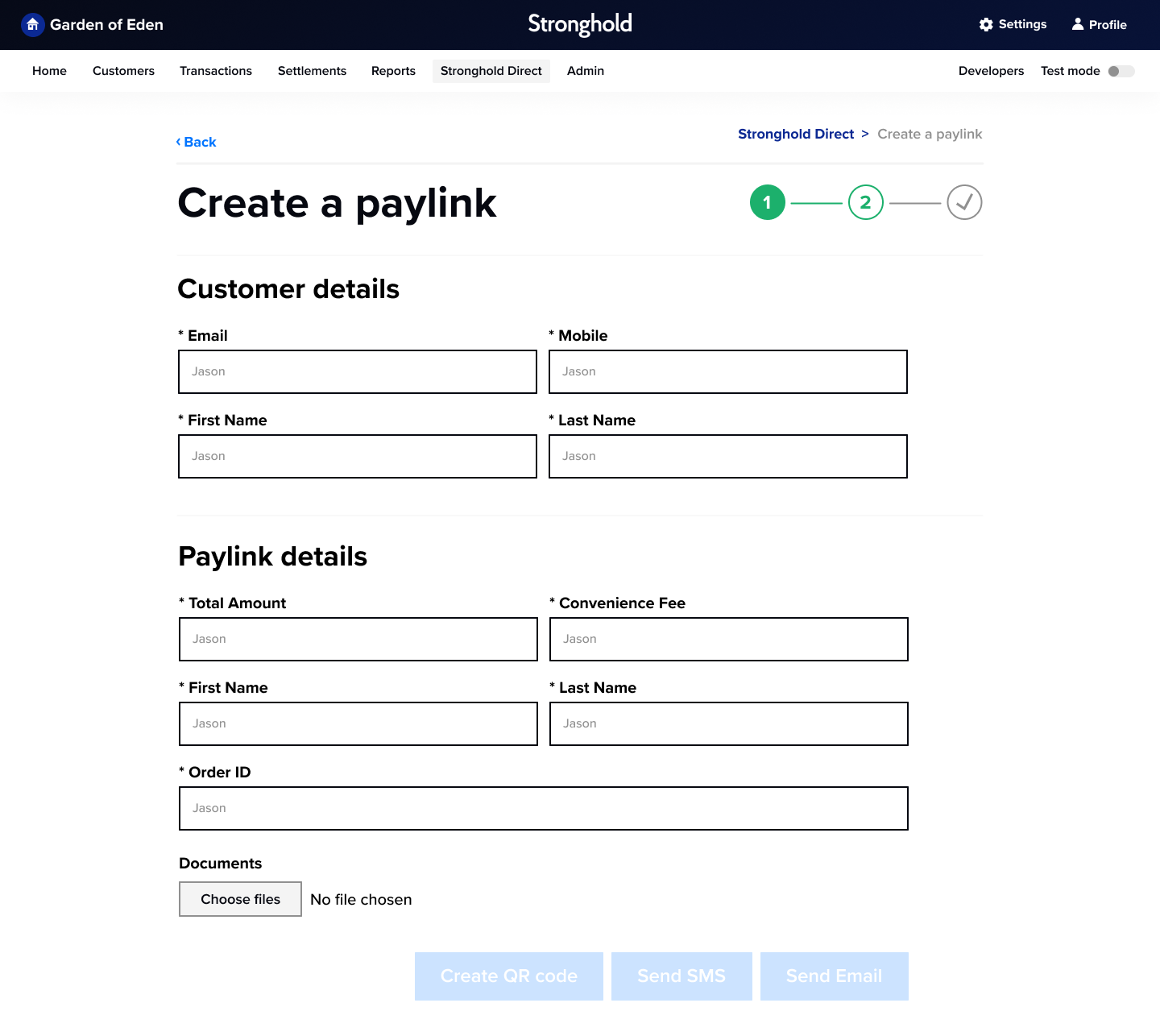
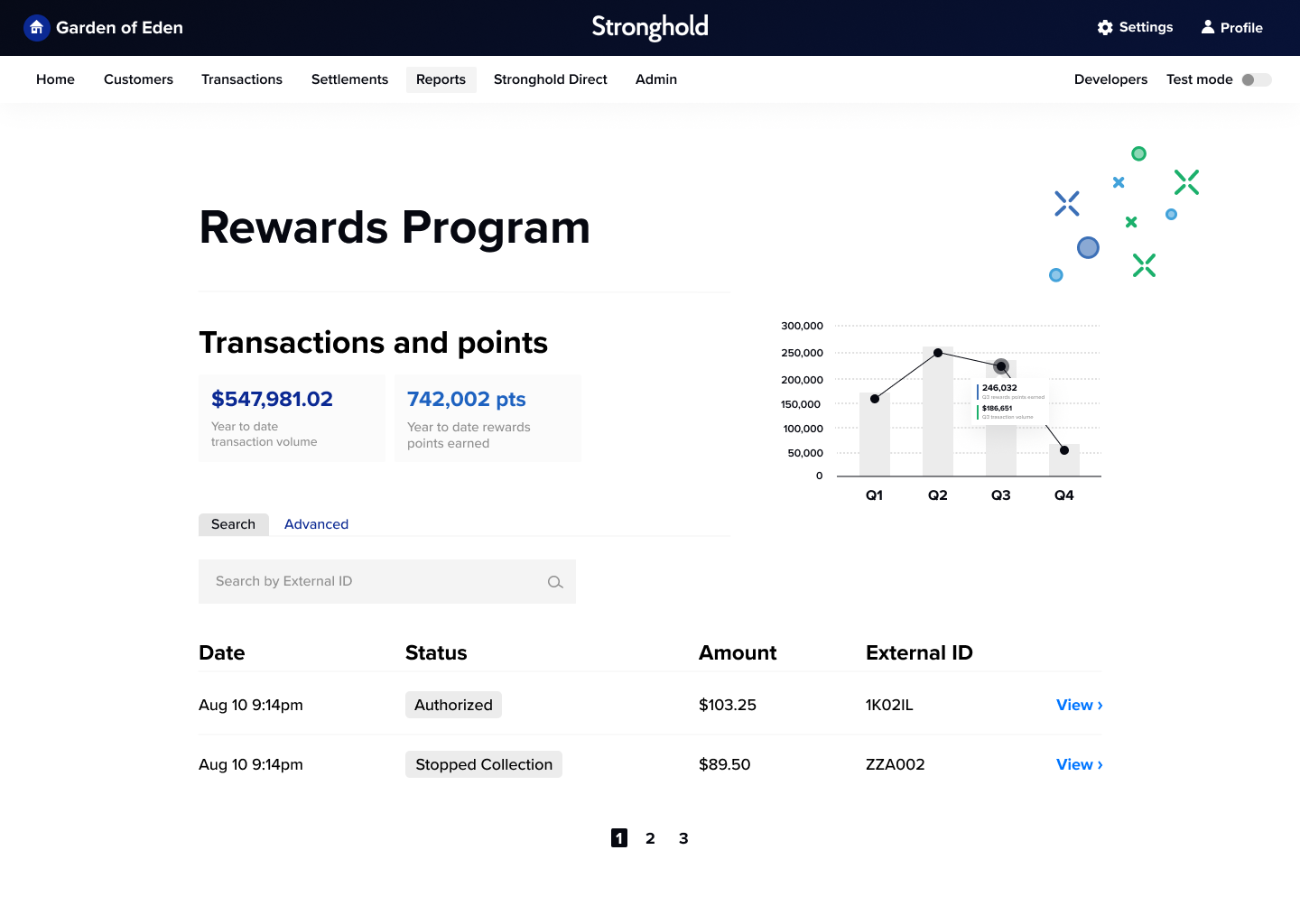
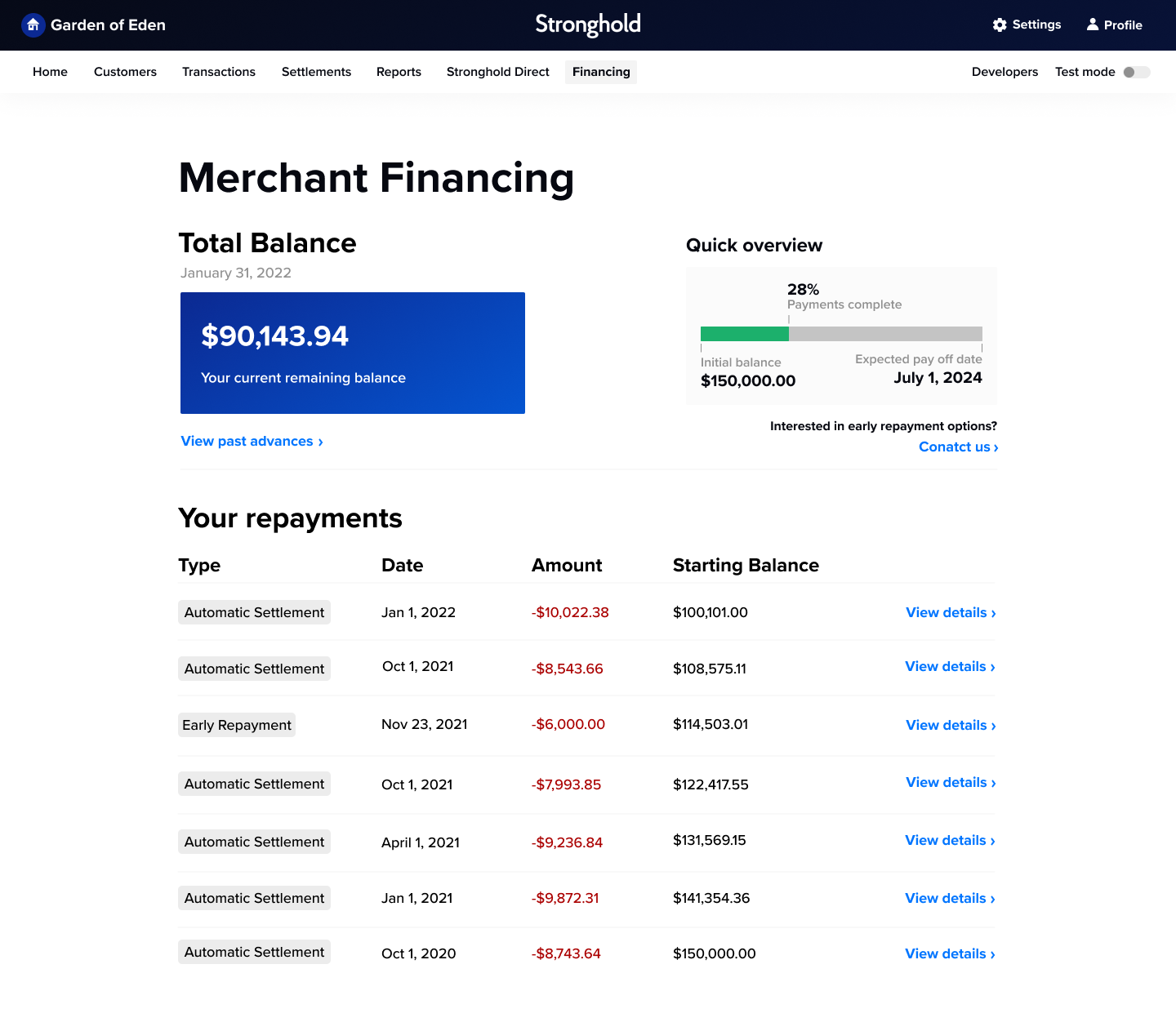
From there, I designed the new dashboard experience in Figma, creating high-fidelity UI across customer overviews, transactions, settlements, reports, data visualizations, PayLink flows, and merchant financing.
I then translated the designs into a fully interactive Webflow prototype to demonstrate responsive layouts, transitions, interactions, progress states, and other interface behaviors.
The prototype became a working reference for engineering, creating a clearer bridge between design and development and showing how the experience should behave across desktop, tablet, and mobile.
.png)
.png)
The outcome
The redesign created a more consistent and polished product experience, improving the clarity and usability of the Merchant Dashboard while strengthening Stronghold’s credibility with merchants.
The interactive Webflow prototype gave engineering a much clearer implementation reference and shared understanding of the intended experience, helping communicate responsive behavior, interactions, and UI states before development began.
With the prototype in place, the engineering team was able to move quickly and successfully implement the new front-end UI in just one week.